Google Maps Automatic Parking Detection: New iOS Feature Saves Your Spot
Google Maps rolled out automatic parking detection for iOS users. It saves your car's spot via Bluetooth or CarPlay disconnection, with a 48-hour PIN. Motion sensors act as backup. This matches Apple Maps and skips manual steps. Android users wait for their turn.
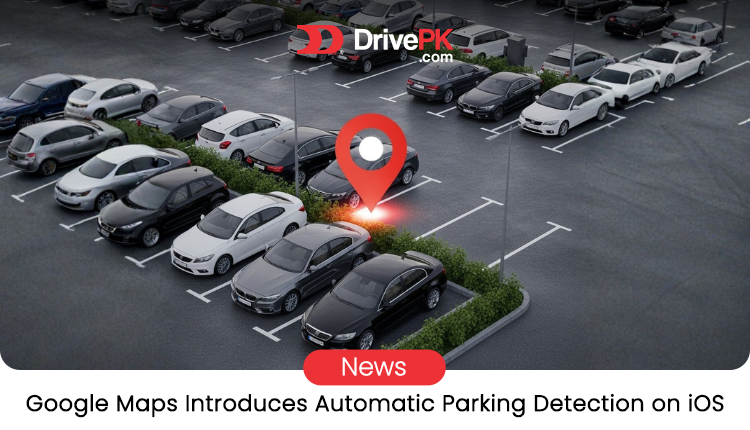
Table of Contents
- How the Automatic Parking Feature Works
- Why This Update Feels Like a Win for Drivers
- Custom Icons: Add a Personal Touch
- How It Stacks Up Against Apple Maps
- What's Missing: Android Support
- Potential Drawbacks and Privacy Notes
- Tips to Get the Most Out of It
- Looking Ahead: More Smart Features?
Finding your car in a crowded lot can frustrate anyone. Google Maps just made it easier for iPhone owners. The app now spots when you park and pins the location automatically. No more fumbling with buttons after a long drive. This update hit in December 2025. It puts Google Maps on par with rivals like Apple Maps.
I remember hunting for my car in the mall parking once. Wasted 20 minutes. Features like this could save that hassle. And it's hands-free on iOS now.
How the Automatic Parking Feature Works
The magic happens through connections. Hook up your iPhone to the car via Bluetooth, USB, or CarPlay. Start navigating with Google Maps. When you disconnect at the end of the trip, the app detects you've parked. It drops a pin right there on the map.
The pin sticks around for up to 48 hours. That's plenty of time to shop or dine without worry. But it vanishes once you start driving again. Or you can remove it yourself if needed.
What if your car lacks those connections? There's a backup. Turn on motion-based detection in settings. Your iPhone's sensors track movement to guess when you stop driving and start walking. It's not as precise, but it helps.
To enable it, open Google Maps. Go to settings, then navigation. Look for the parking options. Simple toggle. No extra apps or gadgets required.
Why This Update Feels Like a Win for Drivers
Manual saving worked okay before. You'd tap "Save parking" after stopping. But who remembers in a rush? This auto version skips that step. It just knows.
Busy cities benefit most. Think New York or Lahore parking chaos. A quick pin means less wandering later. Plus, it shares the spot if you want. Send to friends meeting you.
Safety plays in too. Walking alone at night? Knowing exactly where your car sits adds peace. And for forgetful folks like me, it's a lifesaver.
But it's not perfect. Relies on connections working right. Old cars without Bluetooth might miss out unless using motion fallback.
Custom Icons: Add a Personal Touch
Google didn't stop at auto-save. Set a custom car icon in Maps, and your parking pin matches it. Pick from colors or styles. Ditch the plain "P" for something fun.
This rolled out years ago for driving icons. Now it ties into parking. Makes the map feel yours. Little things like this keep users hooked.
How It Stacks Up Against Apple Maps
Apple Maps had this auto-parking for ages. iPhone users could toggle it in system settings. Google catching up closes the gap. Now, choosing between apps boils down to other perks.
Google shines in traffic data and search. Apple integrates tightly with iOS. But on parking, they're even. Waze, owned by Google, also auto-saves. So the family shares tricks.
For cross-platform folks, this helps. Use Google on iPhone without missing features.
What's Missing: Android Support
Here's the catch. This is iOS-only for now. Android users still save parking manually. Tap the blue dot, then "Save parking."
Google hasn't said when Android will get it. It could be soon, given the push for parity. Or maybe testing takes time. Android's diverse devices complicate things.
If you're on Android, enable location history for better accuracy. But auto-detection would be nicer.
Potential Drawbacks and Privacy Notes
Auto-features raise questions. Does it track too much? Google says it uses sensor data privately. Pins stay on your device unless shared.
Battery drain? Minimal, since it piggybacks on navigation. But heavy users might notice a dip.
And accuracy varies. Crowded areas or weak signals could pin wrong. Always double-check.
Tips to Get the Most Out of It
Update your app first. Head to the App Store, grab the latest Google Maps.
Test in a safe spot. Drive, park, disconnect. See the pin appear.
Customize that icon. Go to navigation settings, pick your style.
If motion fallback appeals, enable significant location changes in iPhone privacy settings.
Share feedback with Google. They tweak based on user input.
Looking Ahead: More Smart Features?
This update hints at smarter Maps. Auto-parking joins live traffic and route tweaks. Next? Maybe EV charging spots or AR walking directions.
Google competes hard. Keeping pace with Apple keeps users loyal.
For iOS drivers, this eases one daily annoyance. No more "Where'd I park?" moments.
In a world of distractions, small helps count. This feature delivers just that.For more updates, visit DrivePK.com
Tags
Share this article
About the Author

Najeeb Khan
Automotive enthusiast and writer
Comments (0)
Login Required
You need to be logged in to comment on this article.
No comments yet. Be the first to share your thoughts!
Related Articles
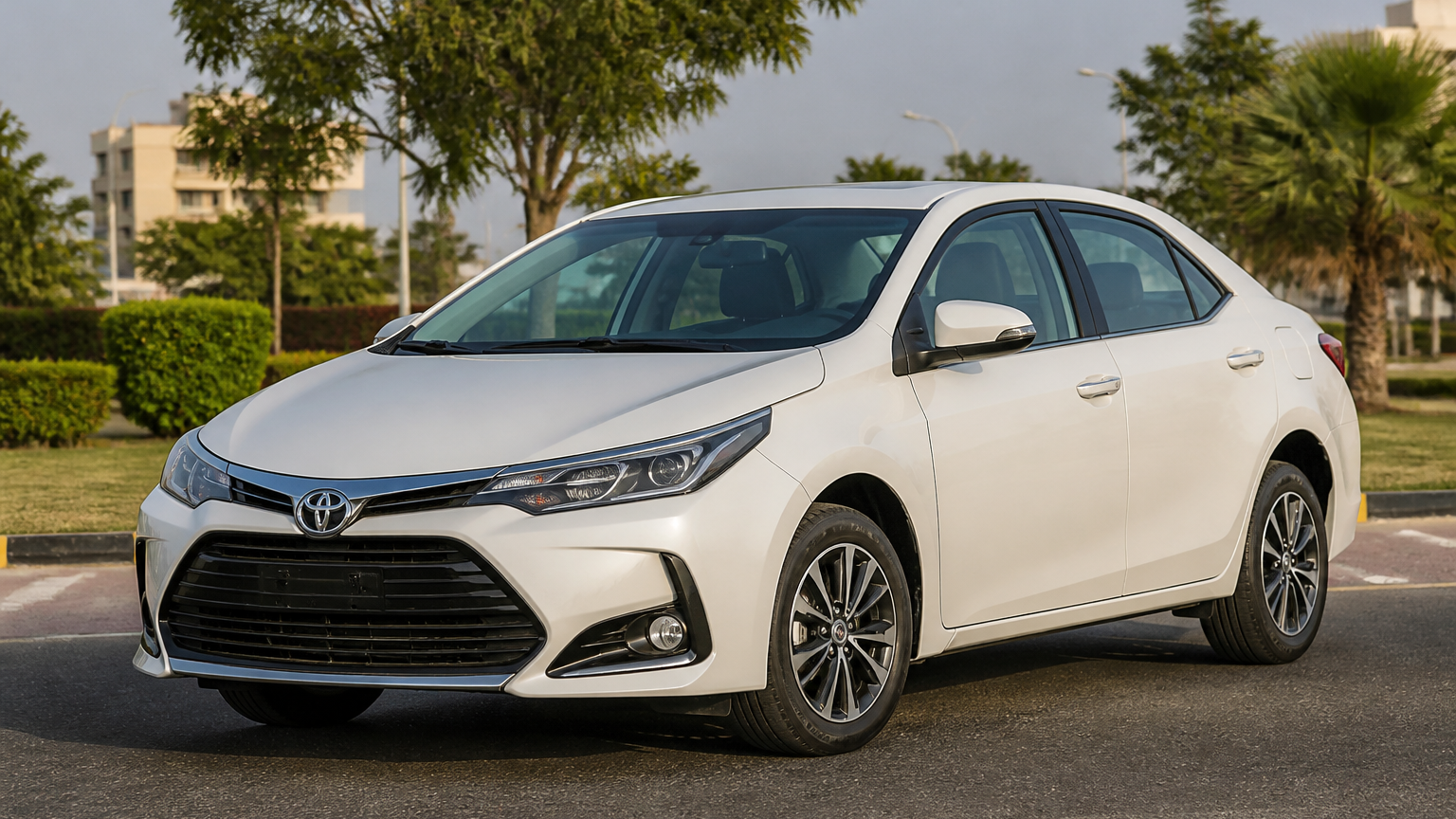
Toyota Corolla Discontinued Before Pakistan Facelift
Pakistan’s pre-facelift Toyota Corolla is reportedly discontinued, hinting at a facelift. Prices, bookings, specs and launch timing remain unconfirmed.
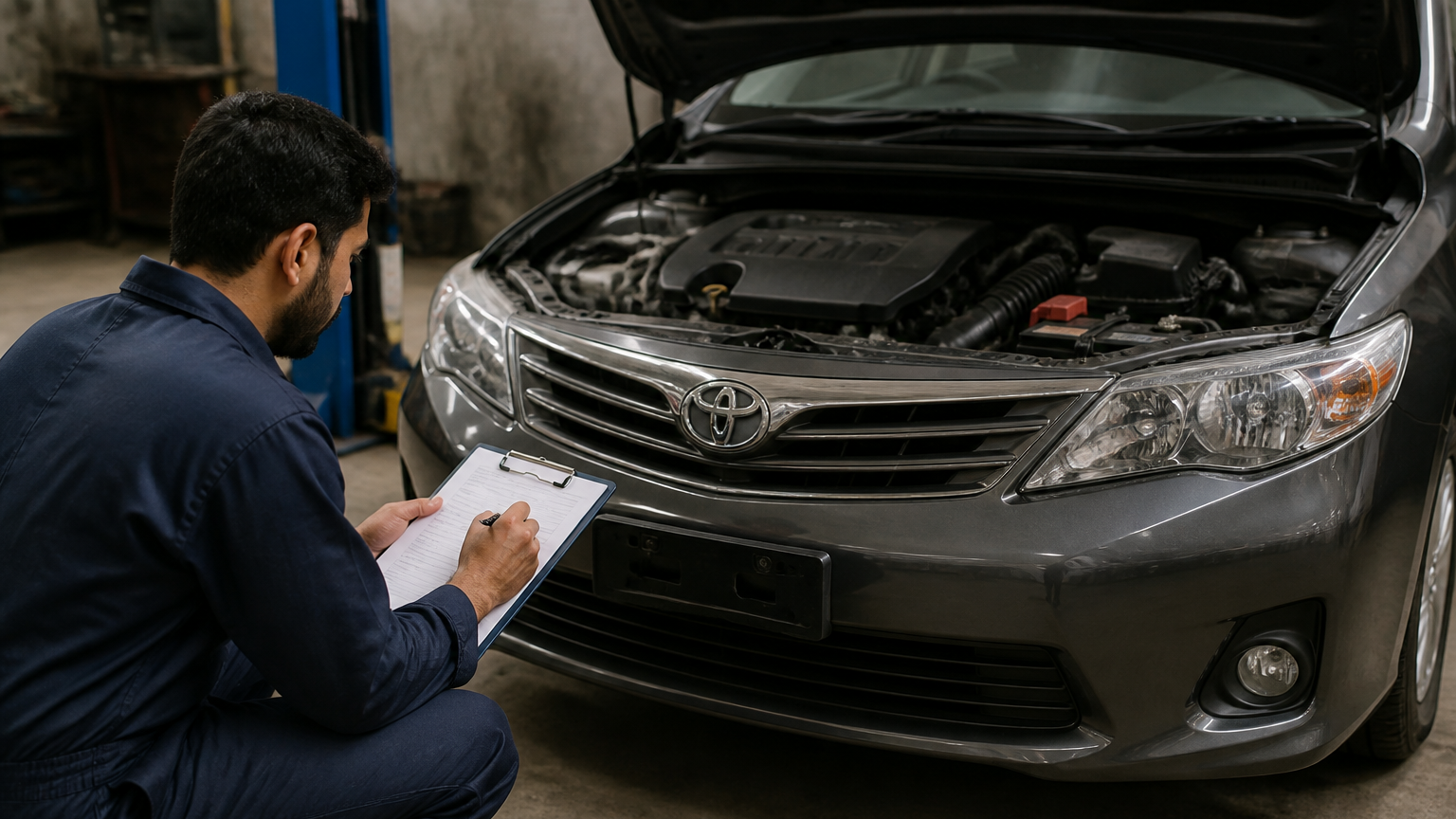
DrivePK Car Inspection Reports: Buy with Confidence
Buying a used car in Pakistan? A pre-purchase inspection can reveal hidden damage, engine issues and red flags before you pay—but it’s not enough alone.
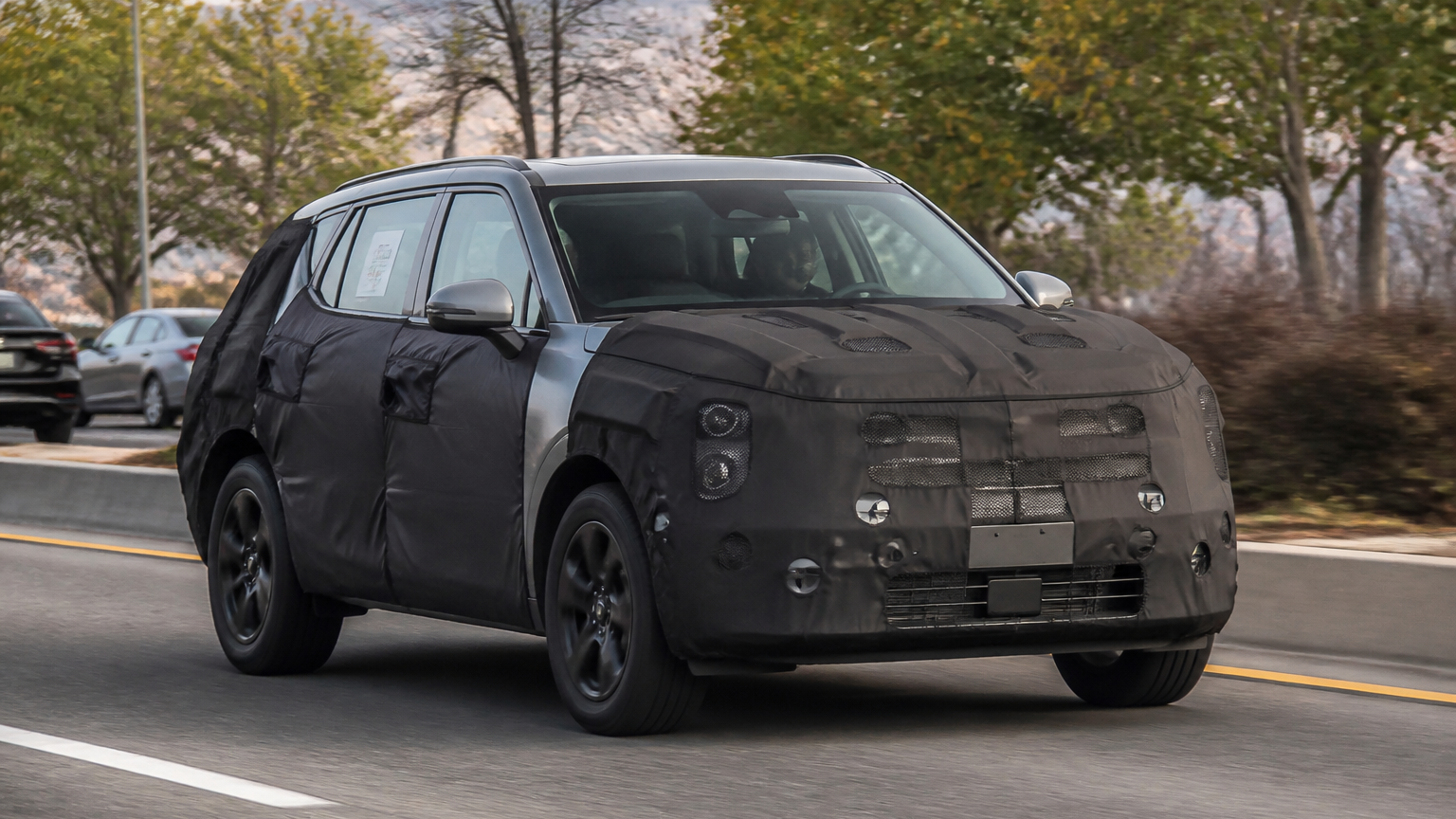
2028 Kia Sportage: Major Design Changes Spotted
Kia’s next Sportage may get a bolder, boxier redesign, with an upright profile, sharper lines, wider grille and split headlights hinted by spy shots.